


Creation of a popup
Table of contents
keyboard_arrow_down
Transform your articles into commercial opportunities
Pop-ups allow you to create direct bridges between your content and your products. Offer a promotion on a product mentioned in the blog, invite newsletter signup after 30 seconds of reading, or highlight your best offers: easily configure targeted and non-intrusive pop-ups to boost your conversions.
Prior verification
Before creating a pop-up, verify that the feature is enabled in the module's general configuration or in the blog homepage configuration.
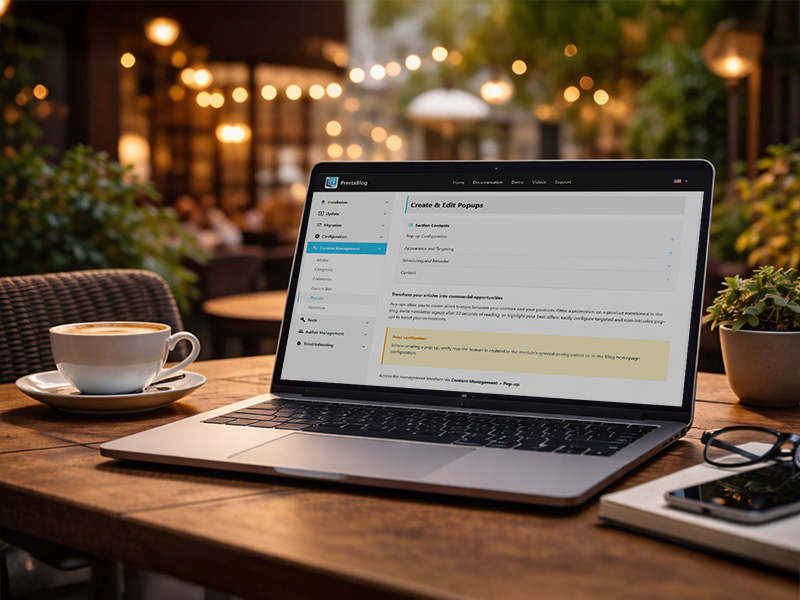
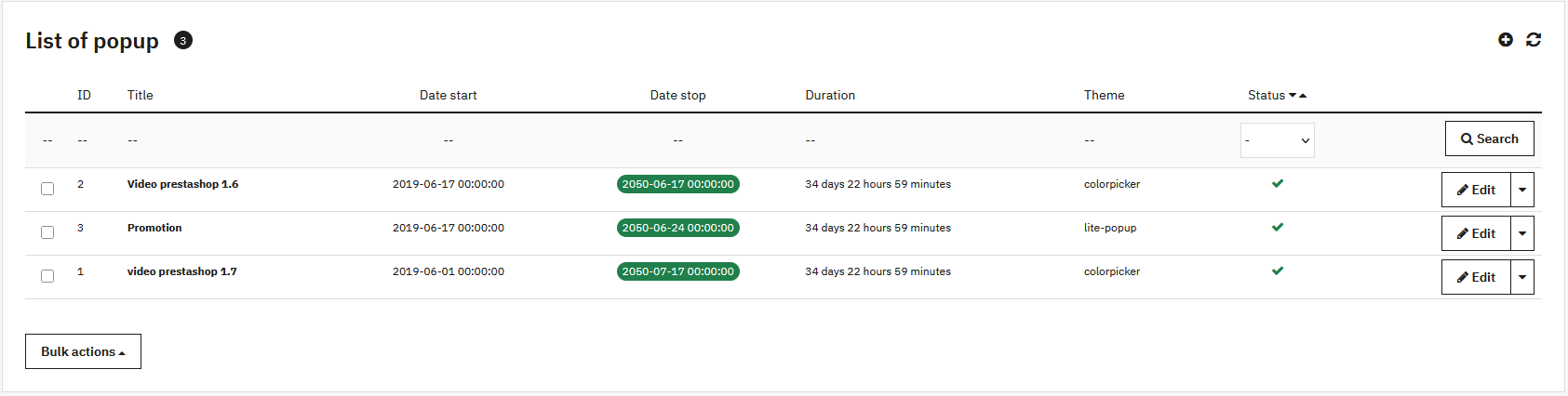
Access the management interface via Content Management > Pop-up.
Pop-up Configuration
Appearance and Targeting
- Theme:
- Light Pop-up: clean display with image or video, customizable background
- Color Picker: content with borders, customization of background, text and button
- Customer group: restricts display to certain segments
- Dimensions: width and height in pixels
Scheduling and Behavior
- Activation: puts online or hides the pop-up
- Start and end date: schedule temporary campaigns
- Display delay: seconds before display
- Recurrence (Cookie): avoids display each time the page is shown (0 = display on each visit)
Content
The WYSIWYG editor allows you to write your message, insert visuals, links or CTA buttons. It works like the article editor.
Frequently asked questions
What is the purpose of a popup in a blog?
A popup draws the visitor's attention to important content: highlighting an article, promoting a related product, inviting newsletter subscription, or making a temporary announcement. In PrestaBlog, the popup is directly integrated into the blog interface and can be linked to specific categories or articles.
On which pages can the popup be displayed?
The popup can be configured to appear on the blog homepage, on category pages, or on article pages. It is possible to precisely target the display based on the visitor's browsing context, as well as the customer group the visitor belongs to.
What type of content can be added to a popup?
The popup supports free HTML content: text, images, links, call-to-action buttons, as well as embedded videos (YouTube, Vimeo, etc.). In short, anything that PrestaShop's native editor supports can be used in a PrestaBlog popup.
Share this content