


Skapande av en popup
Innehållsförteckning
keyboard_arrow_down
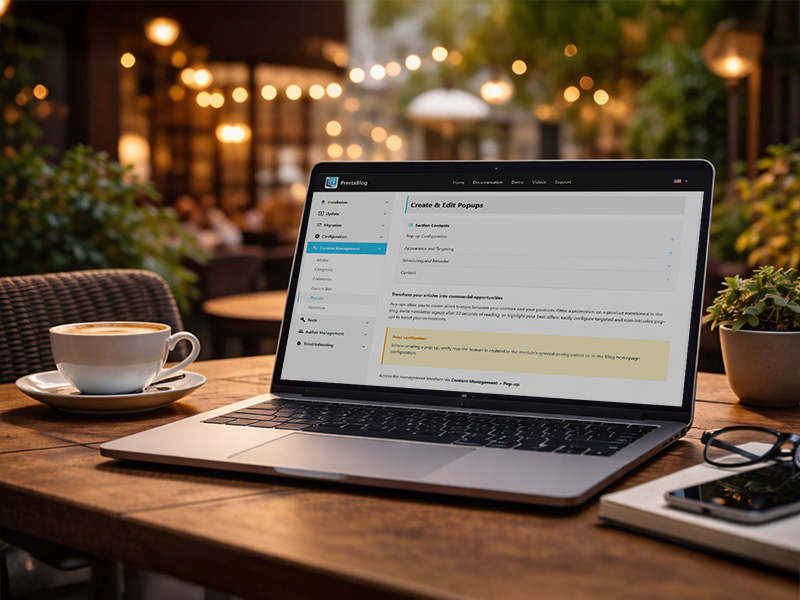
Transform your articles into commercial opportunities
Pop-ups allow you to create direct bridges between your content and your products. Offer a promotion on a product mentioned in the blog, invite newsletter signup after 30 seconds of reading, or highlight your best offers: easily configure targeted and non-intrusive pop-ups to boost your conversions.
Prior verification
Before creating a pop-up, verify that the feature is enabled in the module's general configuration or in the blog homepage configuration.
Access the management interface via Content Management > Pop-up.
Pop-up Configuration
Appearance and Targeting
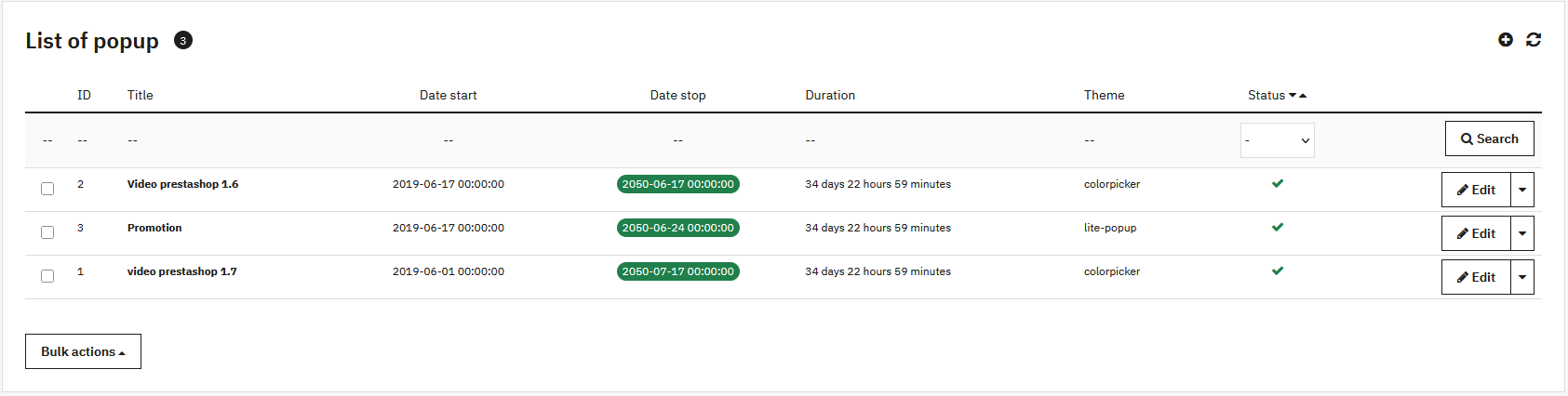
- Theme:
- Light Pop-up: clean display with image or video, customizable background
- Color Picker: content with borders, customization of background, text and button
- Customer group: restricts display to certain segments
- Dimensions: width and height in pixels
Scheduling and Behavior
- Activation: puts online or hides the pop-up
- Start and end date: schedule temporary campaigns
- Display delay: seconds before display
- Recurrence (Cookie): avoids display each time the page is shown (0 = display on each visit)
Content
The WYSIWYG editor allows you to write your message, insert visuals, links or CTA buttons. It works like the article editor.
Vanliga frågor
Vad är syftet med en popup i en blogg?
En popup drar besökarens uppmärksamhet till viktigt innehåll: lyfta fram en artikel, marknadsföra en relaterad produkt, bjuda in till nyhetsbrevsprenumeration eller göra ett tillfälligt meddelande. I PrestaBlog är popupen direkt integrerad i blogggränssnittet och kan kopplas till specifika kategorier eller artiklar.
På vilka sidor kan popupen visas?
Popupen kan konfigureras för att visas på bloggens startsida, på kategorisidor eller på artikelsidor. Det är möjligt att precisionsrikta visningen baserat på besökarens navigeringskontext, men också baserat på vilken kundgrupp besökaren tillhör.
Vilken typ av innehåll kan läggas till i en popup?
Popupen stöder fritt HTML-innehåll: text, bilder, länkar, call-to-action-knappar samt inbäddade videor (YouTube, Vimeo osv.). Kort sagt kan allt som PrestaShops inbyggda editor stöder användas i en PrestaBlog-popup.
Dela detta innehåll