

 Tutorials
 Sport
Sport
 Photo gallery
 Classic design
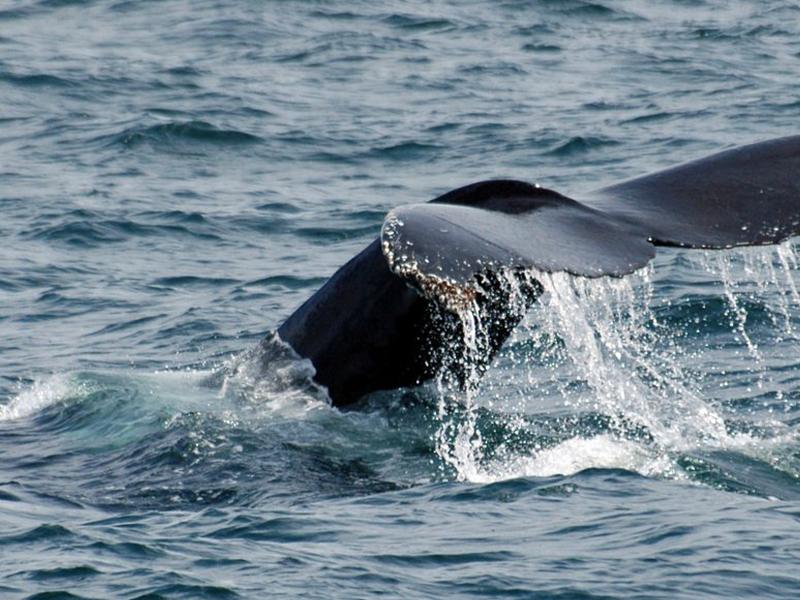
This article displays an image gallery in 2-column grid mode in PrestaBlog
By :
Benoit -
Categories :
Photo gallery
PrestaBlog includes an exclusive feature: the Gallery block, which allows you to insert a collection of images directly into your article content, organized in columns. Unlike slideshow mode, all images are displayed simultaneously in a grid.




How to configure the gallery?
To insert a new gallery, click the "Gallery" button in the editor toolbar. If a gallery is already present in the article, click "Edit gallery" below it to reconfigure it.
In both cases, a configuration window opens and allows you to:
- choose the number of columns — here set to 2 columns. For example, with 4 images and 2 columns, the gallery will display on 2 rows of 2 photos
- leave the "Enable slideshow" checkbox unchecked to display all images in a grid
- add images from the media library
- delete images individually (red cross on each thumbnail)
- delete the entire gallery in one click
Once configured, click "Update" to save.
Share this content